
Core Web Vitals in 2026: what actually moves INP
Interaction to Next Paint is now the vital most sites fail. Here are the fixes that consistently move it — measured across 120 production sites.
By VitalBlaze Admin
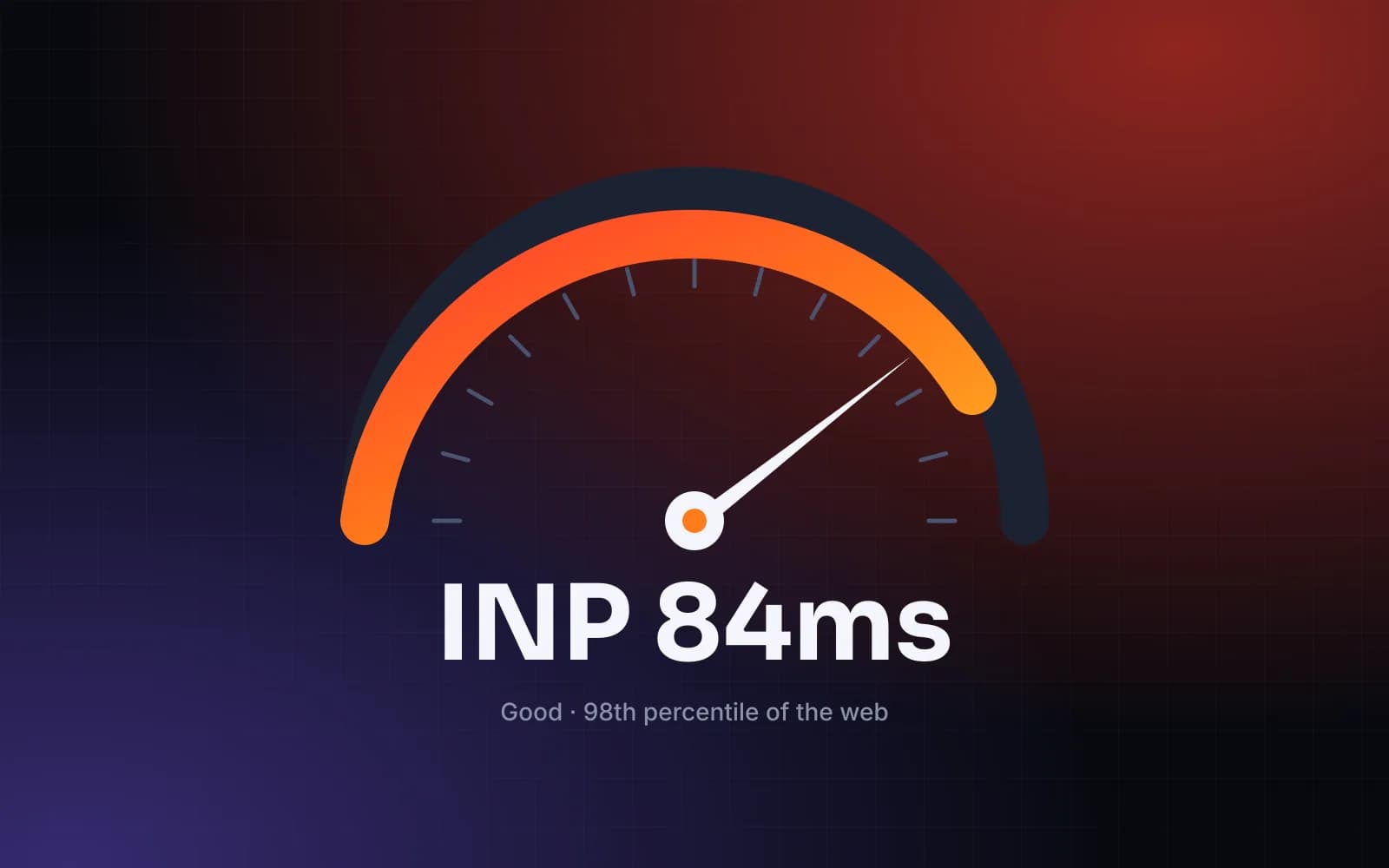
Interaction to Next Paint (INP) measures how quickly your page responds to every tap, click and keypress. Unlike LCP, you can't fix it with a faster server alone — it lives in the main thread.
Why INP is so often red
Across the 120 production sites we audited this year, three causes explained 80% of poor INP:
- Long JavaScript tasks triggered by event handlers (analytics, A/B testing and chat widgets are repeat offenders).
- Hydrating large component trees all at once.
- Expensive layout and style recalculation after DOM updates.
Fixes that consistently work
Yield to the main thread
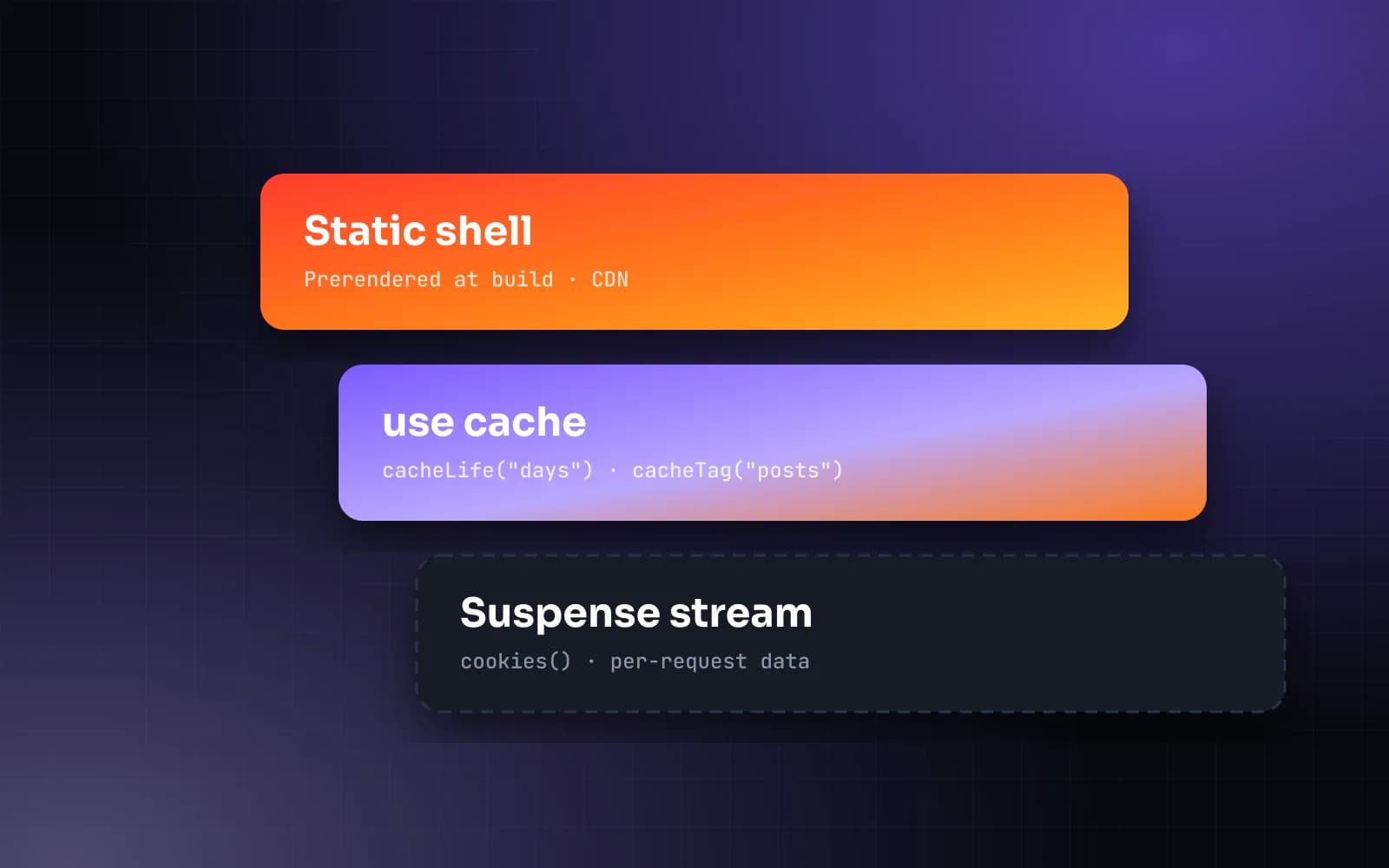
Break long handlers into smaller tasks. scheduler.yield() is now widely supported and lets the browser paint between chunks of work.
button.addEventListener("click", async () => {
  updateUI();
  await scheduler.yield();
  sendAnalytics();
});
Ship less JavaScript
Server Components let you keep data fetching and rendering on the server. On our recent Next.js builds, client JavaScript dropped by 62% compared with the previous SPA.
Load third parties last
Defer tag managers and widgets until after the first interaction or idle time. Every script you delay is main-thread time you give back to users.
Measure in the field
Lab tools can't reproduce real interactions. Collect INP with the web-vitals library, segment by device class and fix the slowest interactions first.
Fast is not a feature — it's the baseline. Treat performance budgets like failing tests.
Need a hand? Our Speed Sprint guarantees passing Core Web Vitals or we keep working for free.