
Hardening a Linux VPS in 30 minutes: our production checklist
The exact baseline we apply to every new server before it touches production traffic — SSH, firewalls, kernel tuning and monitoring.
By VitalBlaze Admin
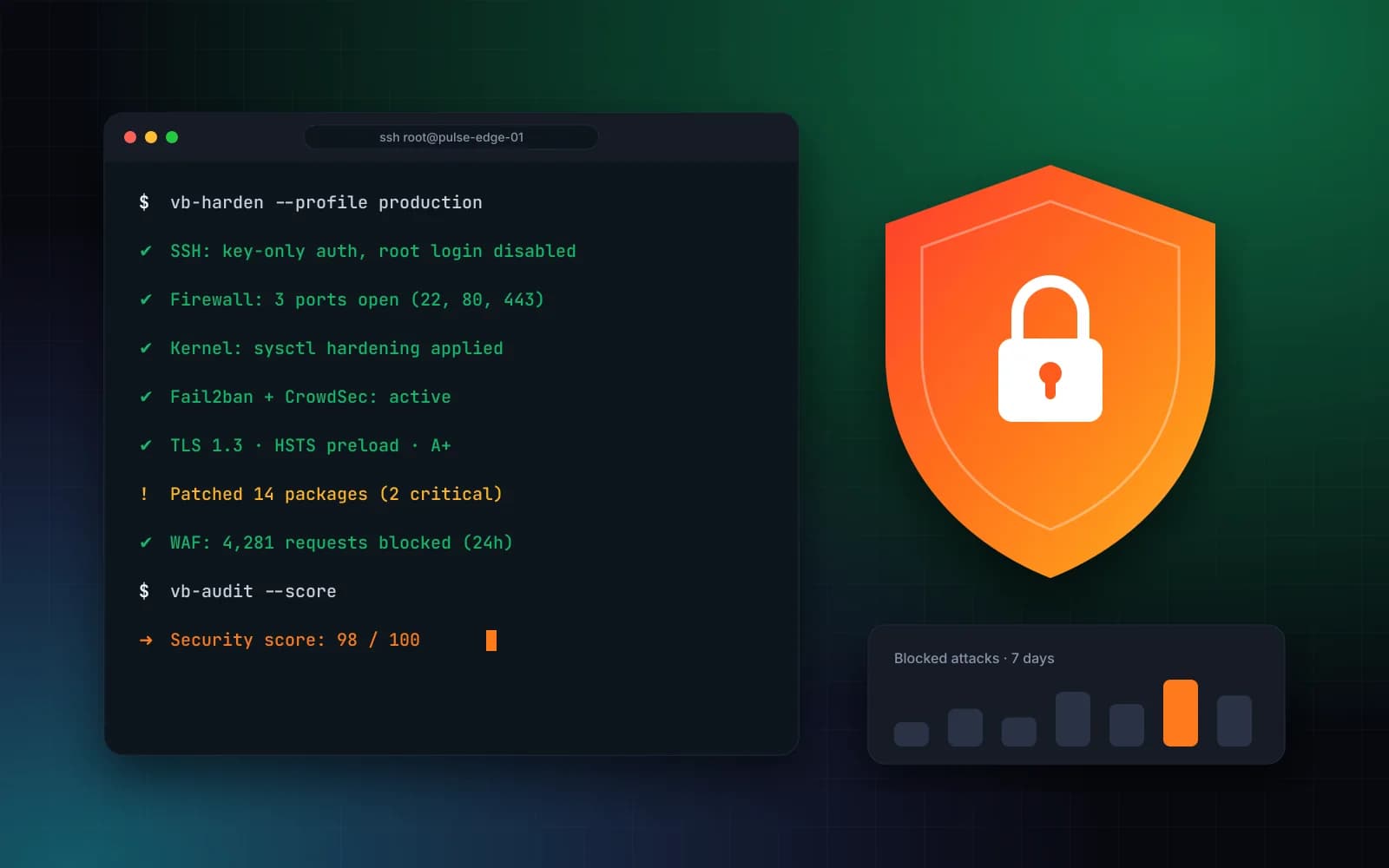
A fresh VPS is exposed to automated attacks within minutes of getting a public IP. This is the baseline our engineers apply before any production workload goes live.
1. Lock down SSH
- Disable password authentication and root login.
- Use Ed25519 keys and restrict access with
AllowUsers. - Rate-limit connections with fail2ban or CrowdSec.
2. Default-deny firewall
Open only what you serve. For a typical web server that's 22 (restricted to your IPs), 80 and 443.
ufw default deny incoming
ufw allow from 203.0.113.0/24 to any port 22
ufw allow 80,443/tcp
ufw enable
3. Patch automatically
Enable unattended security upgrades and reboot windows for kernel updates.
4. Harden the kernel
Apply sysctl settings that disable IP forwarding, enable SYN cookies and ignore ICMP redirects.
5. TLS done right
TLS 1.2+ only, modern ciphers, OCSP stapling and HSTS. Aim for an A+ on SSL Labs.
6. Monitor everything
Ship logs off-box, alert on authentication anomalies and track file integrity on critical paths.
Every VitalBlaze managed server ships with this baseline — and our team keeps it current.